Wallet Risk Score Check
You can check the addressee's risk score to check the trustworthiness of wallet addresses.
You can perform 5 free checks per week. For more checks, please contact support.
How to Check a Wallet Score
-
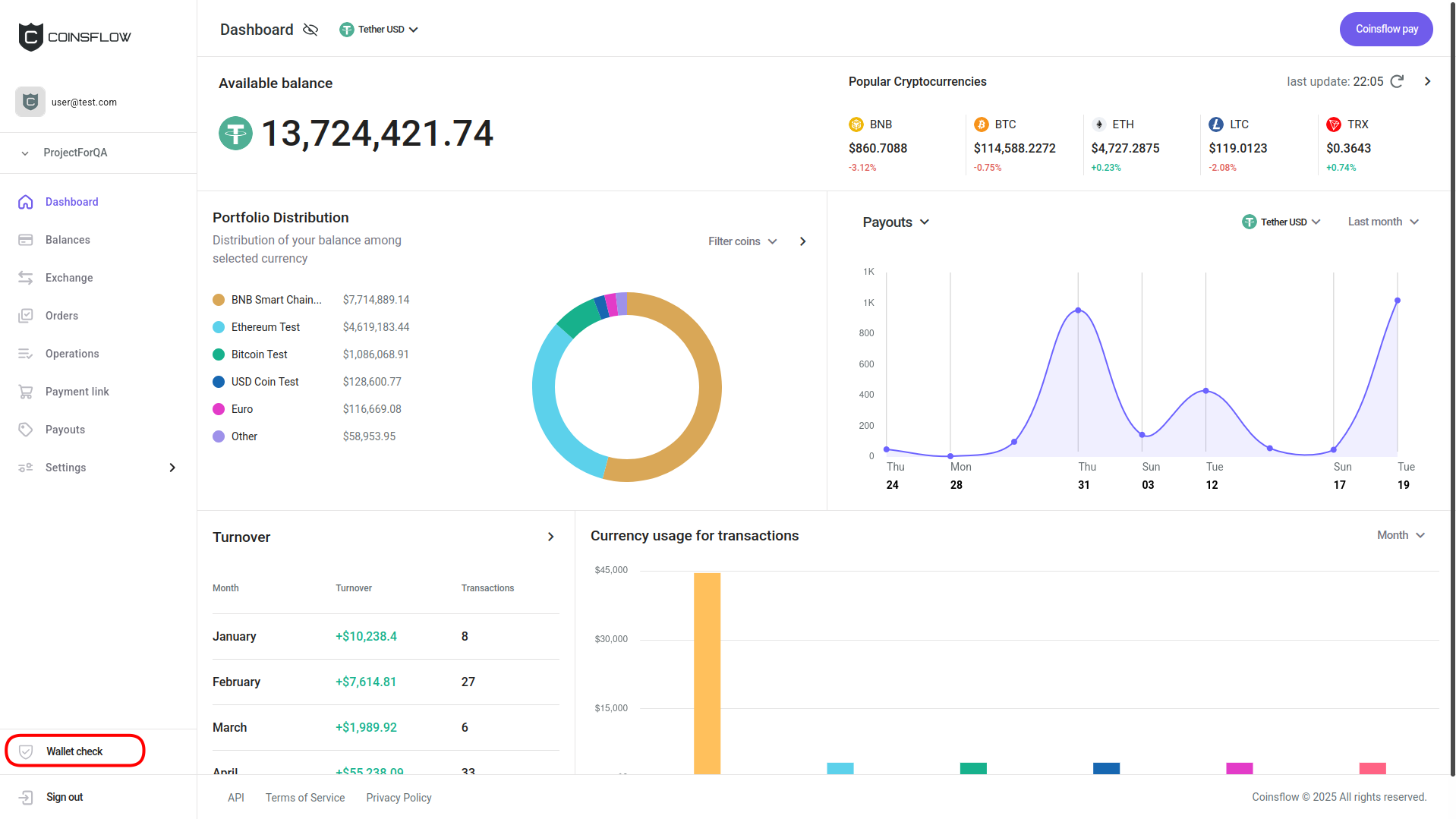
Click on the "Wallet check" button:
-
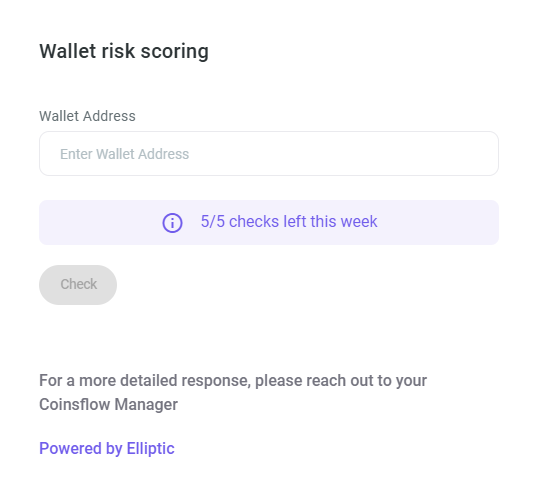
The "Wallet risk scoring" card is displayed:
-
Insert the desired wallet address.
-
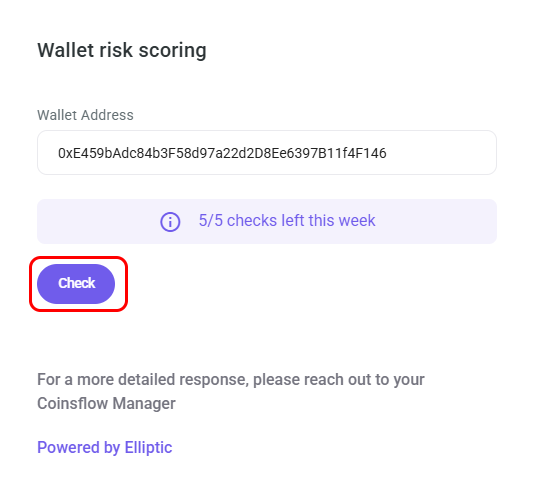
Click on the "Check" button:
-
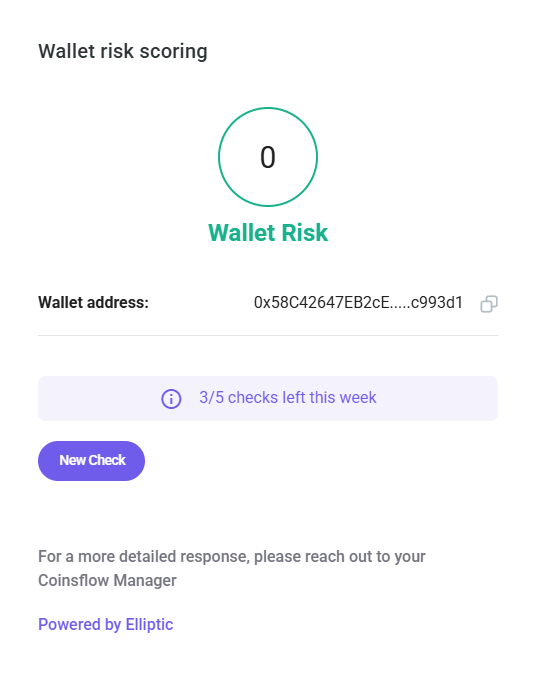
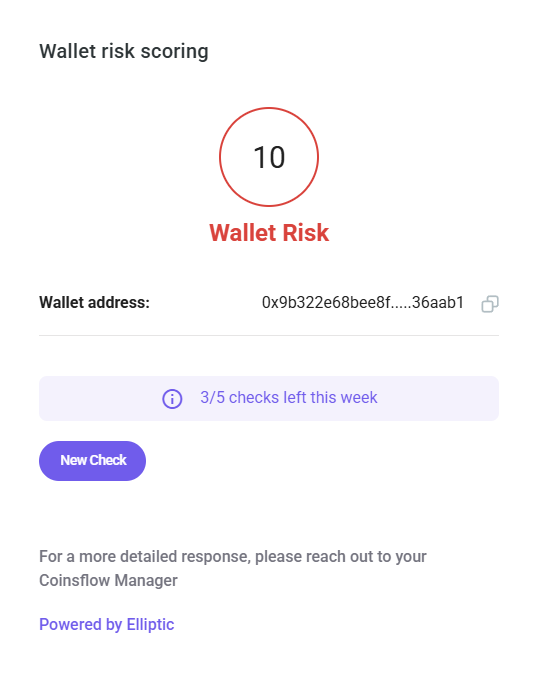
The current wallet risk scoring is displayed:
-
No risk: The wallet is scored as safe and there’s no risk in sending funds to it.
-
High risk: This wallet is flagged as high risk, and you shouldn’t send any funds to it.
-
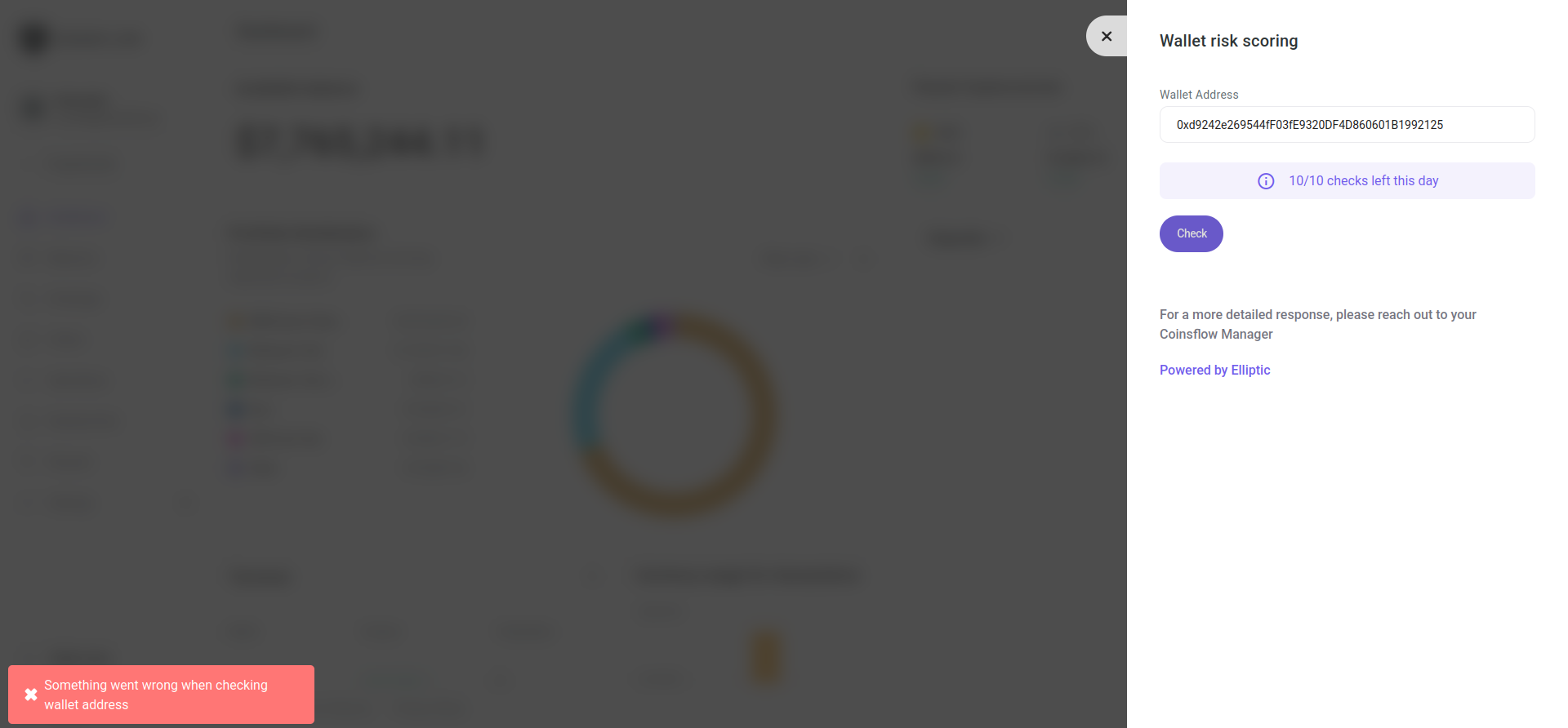
Error: Something went wrong while checking the wallet address (e.g., the address you entered does not exist):
-