Project Rules Tab
The Project Rules tab allows you to set asset handling rules for your project:
- the base asset - the currency in your balance that will be debited and exchanged into the target currency, if a payout requires more of the target currency than you have
- daily payout limits
This tab is only available to project administrators.
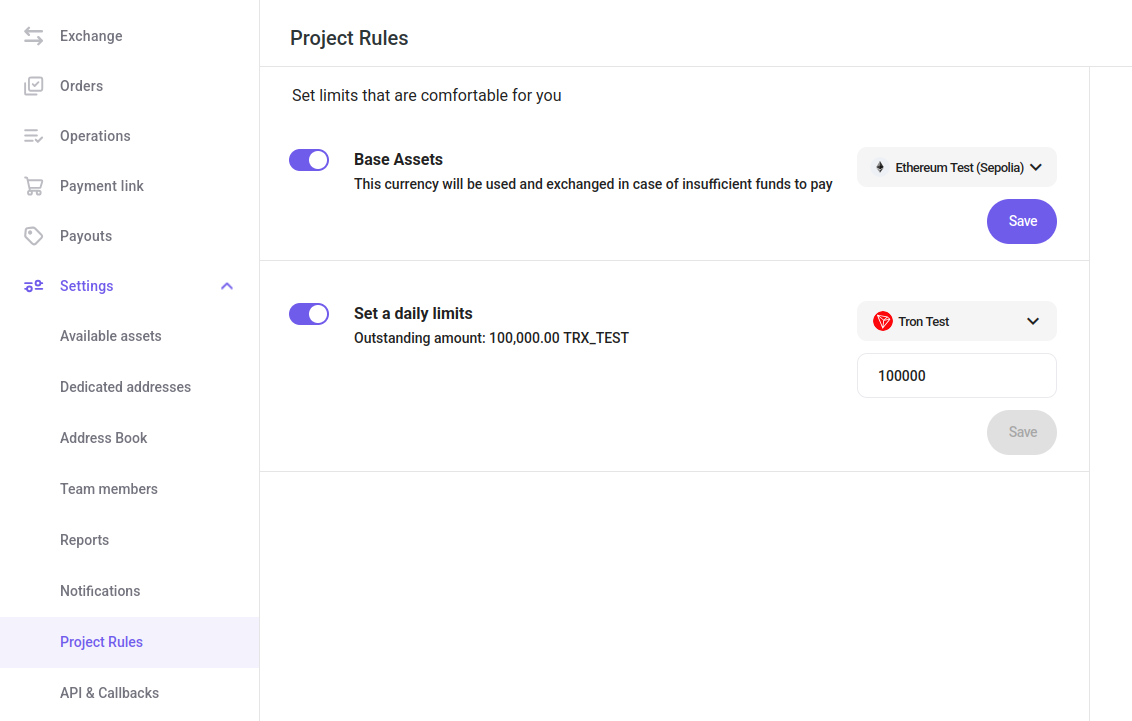
To enable either setting:
- Toggle it on.
- Select an asset. For payout limits, also enter the amount.
- Click "Save".
- Confirm with your 2FA code.
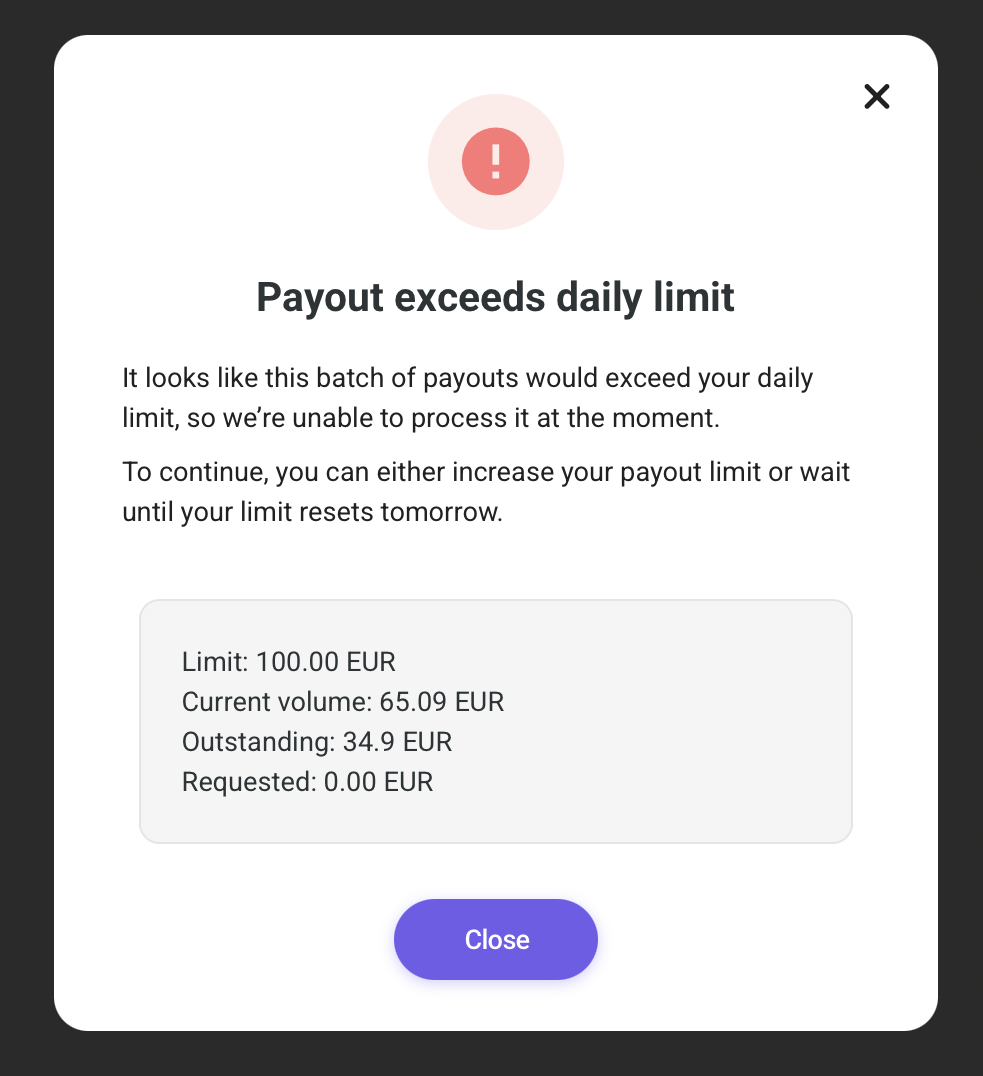
If you create a payout that exceeds the daily limit, this notification pops up: